
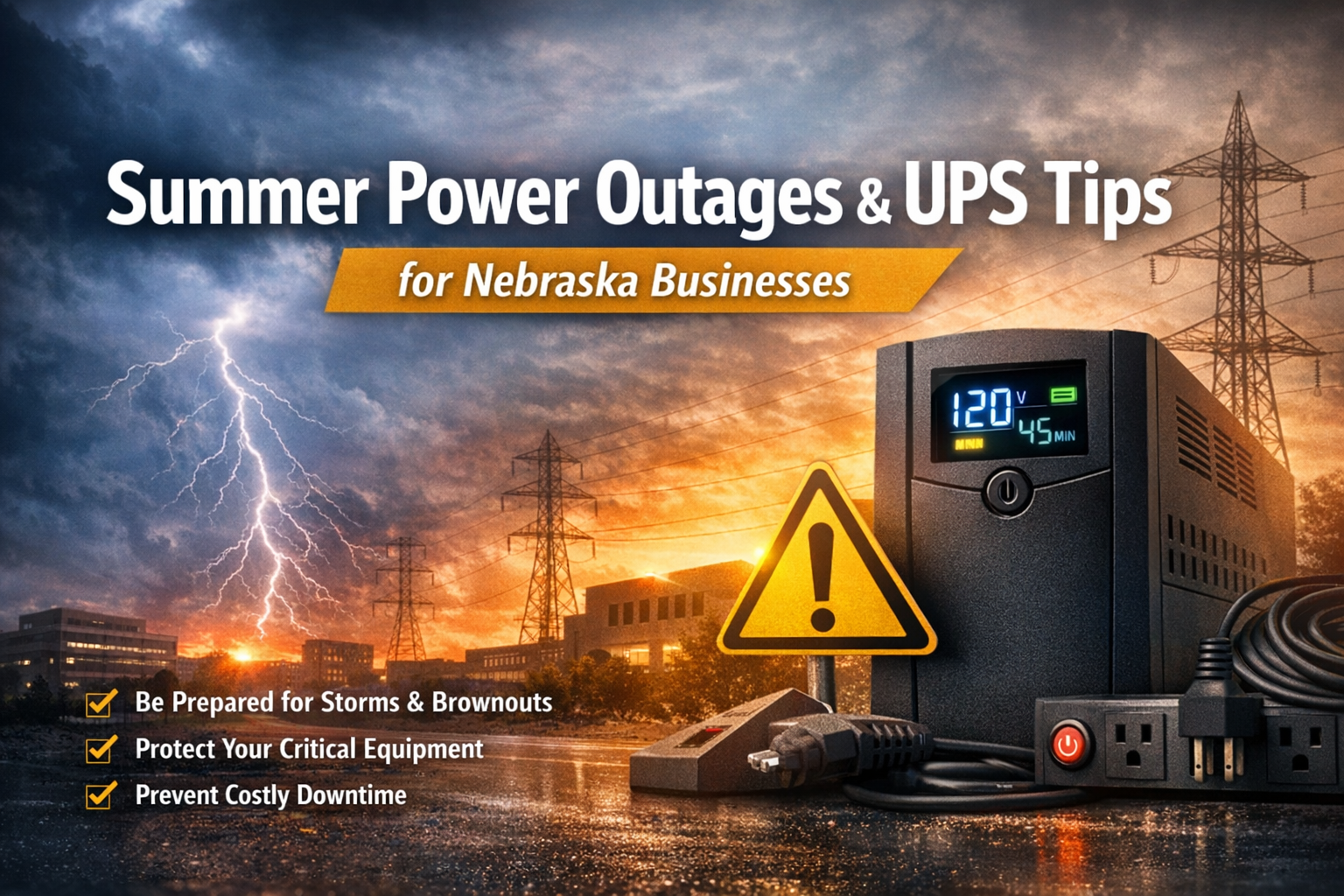
Summer Power Outages & UPS Tips for Nebraska Businesses
TL;DR
Nebraska summer storms and power fluctuations can cause more damage than full outages—especially to servers, networks, phones, and critical workstations. Battery backups (UPS) help protect equipment, prevent data corruption, and allow systems to shut down cleanly. To stay prepared, make sure all critical gear is on UPS, batteries are tested and replaced on schedule, and shutdown settings are properly configured before storm season hits.
Nebraska summers bring more than just heat—they also bring strong storms, high winds, and occasional power fluctuations. For local businesses, even brief power interruptions or brownouts can cause unexpected downtime, lost productivity, and technology issues that linger long after the power comes back on.
If your business hasn’t reviewed its battery backup and power protection strategy recently, now is the time.
Short Power Outages Can Still Cause Big Problems
Many business owners assume that if the power only goes out for a few seconds or minutes, there’s no real risk. In reality, short interruptions can be the most damaging. Sudden power loss can cause servers and computers to shut down improperly, network gear to reboot mid‑transaction, phone systems to drop active calls, and software or updates to become corrupted.
Even power “brownouts,” where voltage dips but doesn’t fully cut out, can lead to unstable performance and equipment wear over time.
What Battery Backups (UPS) Actually Protect
The most critical equipment to protect usually includes servers and NAS devices, firewalls and network switches, internet modems, VoIP phone systems, and key workstations such as front‑desk or billing computers. When these systems drop unexpectedly, the rest of the business often follows.
Why This Matters for Nebraska Businesses
Nebraska weather can be unpredictable—and it doesn’t take a headline‑level tornado to disrupt your day. Straight‑line winds, lightning, and fast‑moving summer storms regularly knock out power across the state, and the Omaha area has seen major windstorm outages affecting hundreds of thousands of customers in recent years.
For businesses, the bigger issue is often what happens around the outage: voltage dips (brownouts), repeated brief interruptions, and sudden shutdowns can corrupt data, interrupt card transactions, drop VoIP calls, and leave staff waiting while systems reboot—or worse, while an IT vendor repairs damage. A solid UPS strategy helps you ride through short events, stay online longer, and shut down cleanly when an outage lasts longer than the batteries.
Common Battery Backup Mistakes
Having a battery backup installed is only part of the solution—maintenance and testing are just as important.
One common issue is assuming any power strip equals surge protection, or that a UPS automatically protects everything in the room. Another is plugging high‑draw devices like printers or space heaters into the battery‑backed outlets—those can drain a UPS fast and leave your critical gear unprotected.
It also matters where the UPS sits and how much you ask it to carry. If it’s in a hot, dusty, or cramped spot, batteries wear out sooner. If it’s overloaded, you may only get seconds of runtime. And it’s easy to miss the “end‑to‑end” side of things—your server might be on battery, but if the modem/ONT or core switch isn’t, you still lose phones and internet. Finally, don’t ignore warning lights, error codes, or firmware alerts; a UPS that’s “beeping” isn’t necessarily a UPS that’s healthy.
A Simple Summer Readiness Checklist
· ☐ Put all critical gear on UPS (servers/NAS, firewall/switches, modem).
· ☐ Protect phones and must‑stay‑on PCs (front desk/billing/scheduling).
· ☐ Test UPS units and record results.
· ☐ Check battery age; plan replacements (about every 3–5 years).
· ☐ Confirm graceful shutdown settings and expected runtime meet your needs.
· ☐ Label protected outlets so staff know what’s covered.
Make Sure Your UPS Can Actually Shut Things Down
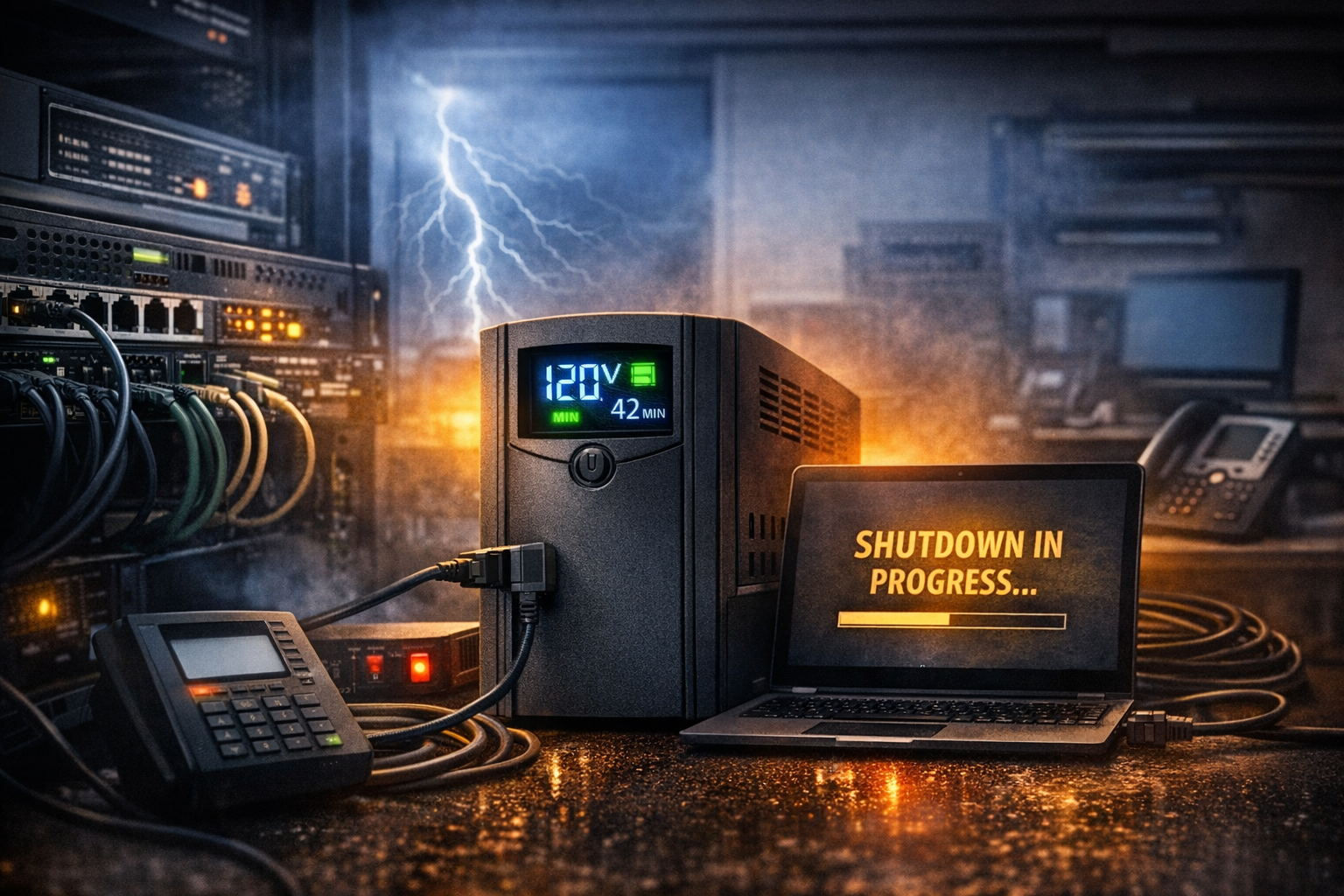
A UPS is most valuable when it gives your equipment time to shut down cleanly. If a server or workstation loses power when the battery runs out (or never receives a shutdown signal), you can still end up with file corruption, database issues, or failed updates—sometimes just as disruptive as having no UPS at all.
· ☐ Confirm the UPS is communicating with the server/PC (USB/network card) and the shutdown software is installed.
· ☐ Set shutdown triggers (e.g., at X minutes remaining or X% battery) and verify they’re appropriate for your runtime.
· ☐ Test a controlled outage to confirm systems shut down gracefully and restart cleanly.
· ☐ Confirm network gear/phones have enough runtime to stay up until servers shut down.
Next Step: Get a Quick UPS & Power Protection Check
If you’d like a second set of eyes on your setup, we can do a quick walkthrough of what’s on battery backup, confirm the UPS units are sized correctly, and verify your shutdown settings and testing plan. Book a time for a short on‑site (or remote) review—before the next storm puts your systems to the test.