
Disaster Recovery for SMBs
TL;DR
Disaster recovery isn’t free — and for most SMBs, true enterprise‑level DR isn’t realistic. The risk isn’t that small businesses don’t have perfect solutions, it’s that they expect perfect outcomes without planning or budgeting for them. The goal isn’t zero downtime; it’s knowing what will happen, how long recovery will take, and what the business can realistically survive. Planning beats hoping — every time.
Disaster Recovery for SMBs: When “We Have an MSP” Isn’t a Plan
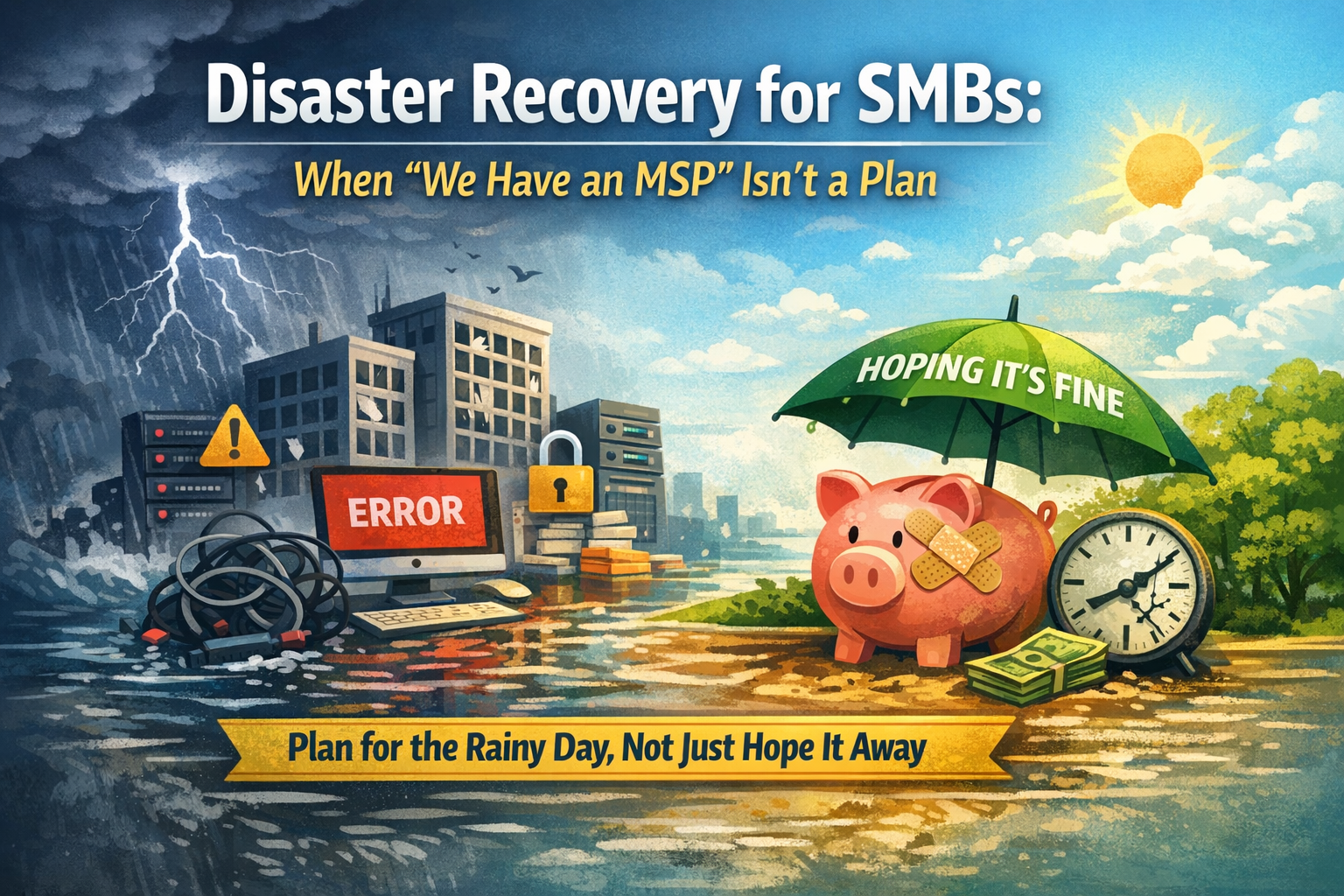
Disaster recovery is one of those things every business agrees is important… right up until it shows up as a real line item in the budget.
And that’s not a knock on small and midsize businesses — it’s just reality. True disaster recovery means backup internet providers, redundant systems, cloud replicas that can actually be spun up, documented failover processes, and regular testing. That level of protection is expensive, ongoing, and often out of reach for SMBs trying to stay lean.
Where things start to break down isn’t in recognizing that reality. It’s in what happens next.
Somewhere along the way, “We know we don’t have full disaster recovery” quietly becomes “But we have an MSP, so we should be okay.” That gap — between what’s been invested in and what’s expected during a disaster — is where downtime, stress, and hard conversations tend to live.
Backup, Disaster Recovery, and Business Continuity Aren’t the Same Thing
One of the biggest sources of confusion we see is backup, disaster recovery, and business continuity being treated like the same thing.
They’re not.
Backups protect data. Disaster recovery restores systems. Business continuity keeps the business running while recovery happens. Most SMBs have backups. Fewer have real disaster recovery. Very few have fully thought‑through continuity plans.
That doesn’t mean anyone failed. In most cases, those gaps are intentional budget decisions. The problem is when the distinctions aren’t clearly understood before something goes wrong.
The Hidden Cost Isn’t the Technology — It’s the Time
When disasters happen, the real pain usually isn’t the hardware or the software. It’s the lost time.
Employees can’t work. Appointments get canceled. Customers can’t be helped. Owners get pulled away from everything else to manage the situation in real time.
And often, the delay isn’t even technical. It’s uncertainty. What gets restored first? Who decides? What’s considered “good enough” to start operating again?
Those are planning questions — not emergency questions — yet they’re commonly answered during the crisis instead of before it.
Cost‑Effective Disaster Recovery That Makes Sense for SMBs
Not every business needs enterprise‑grade failover. But every business needs a plan that matches reality.
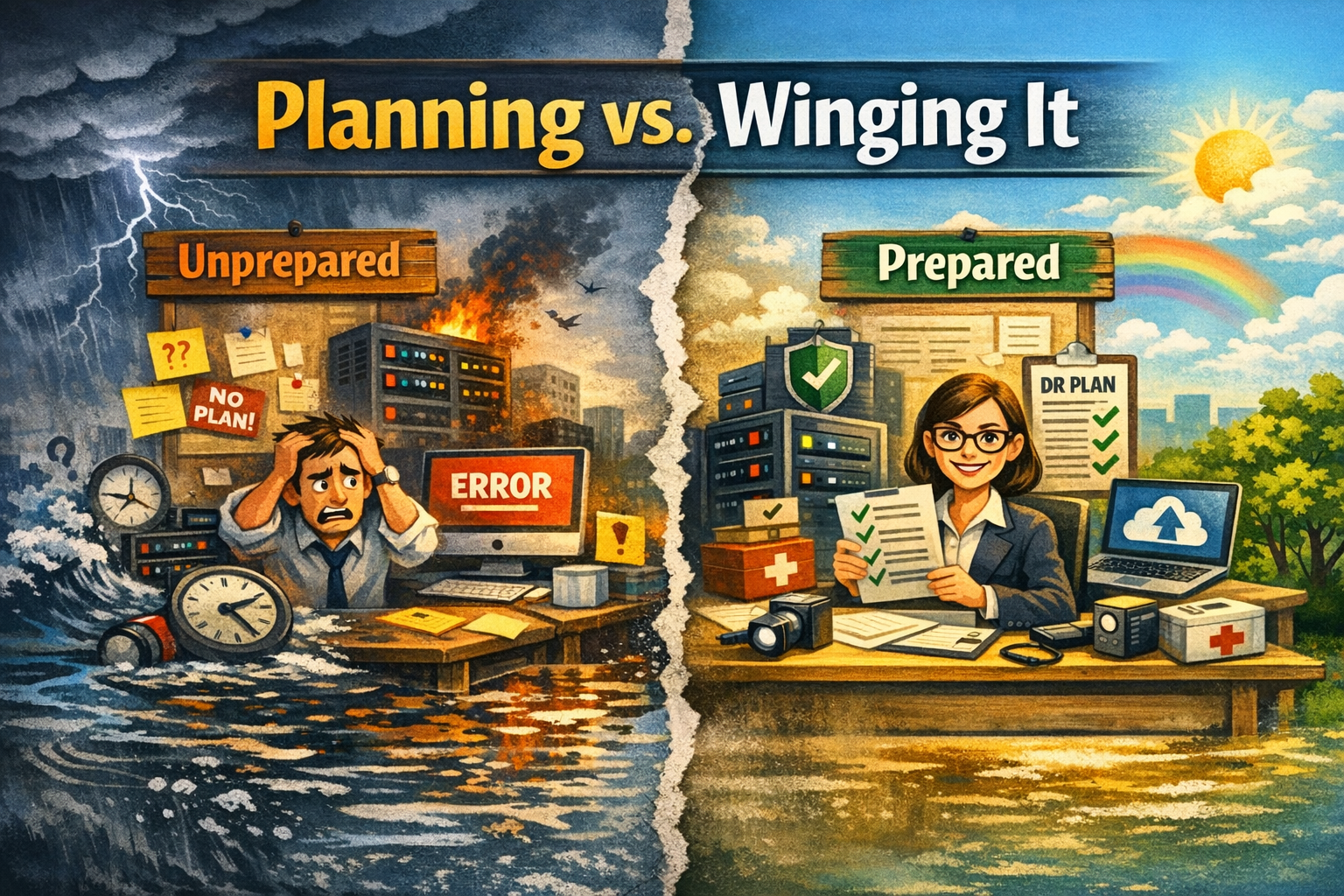
Cost‑effective disaster recovery isn’t about eliminating risk — it’s about reducing surprise.
Start With Cloud‑First Backups (and Understand the Restore Time)
For most SMBs, cloud backups are the foundation. The important part isn’t just having backups; it’s knowing how long recovery actually takes. Restoring a few files is very different from restoring a full server — and that difference matters when planning downtime expectations.
Cloud‑first backup strategies reduce hardware costs, scale easily, and avoid the need for secondary locations, which is why they’re often the most practical starting point.
Use Virtual Recovery Instead of Duplicate Hardware
Rather than maintaining duplicate physical servers, many businesses rely on virtual recovery options. In some cases, systems can be temporarily run from backup images or spun up in the cloud while permanent hardware is repaired or replaced.
This approach doesn’t give instant failover — but it can turn multi‑day outages into hours, without the cost of full duplication.
Treat Remote Work as a Continuity Tool
Remote work isn’t just a convenience — it’s a continuity strategy.
If email, phones, and core applications are cloud‑accessible, a physical office outage doesn’t automatically shut down the business. That flexibility can buy critical time during recovery and drastically reduce disruption without major infrastructure costs.
Decide What Actually Comes Back First
One of the cheapest improvements any business can make is deciding, ahead of time, what systems truly matter.
Not everything needs to be restored immediately. Some systems can wait hours or even days. Defining priorities upfront prevents overspending on systems that don’t justify the cost — and prevents panic when decisions have to be made quickly.
Combine Local and Cloud Backups Where It Makes Sense
Hybrid backup approaches — local backups for fast restores, cloud backups for disaster scenarios — strike a strong balance for many SMBs. They provide flexibility without requiring enterprise‑level investment and reduce single‑point‑of‑failure risk.
Don’t Skip Documentation and Testing
This part costs the least and delivers the most value.
Written recovery plans, assigned decision‑makers, and occasional testing eliminate confusion. Most recoveries fail not because backups are missing, but because no one knew what to do next.
“We Have an MSP” Still Isn’t a Rainy‑Day Fund
An MSP can design the plan, maintain systems, and execute recovery — but they can’t make infrastructure exist that was never budgeted for.
Disaster recovery works like insurance and savings. You don’t expect full coverage without paying premiums, and you don’t expect a safety net without setting money aside. Planning has to match expectations.
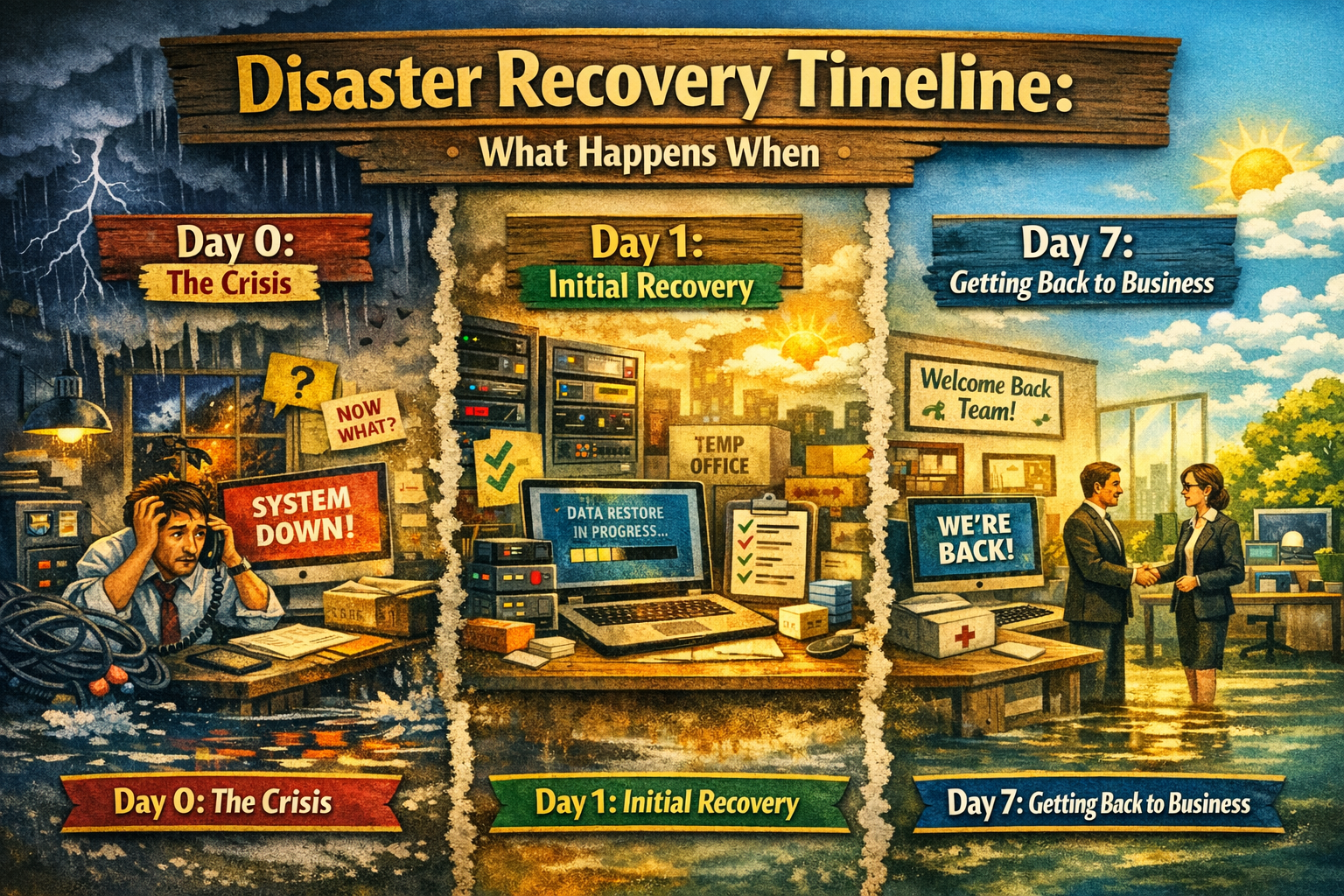
Planning Beats Perfection — Every Time
Most businesses aren’t hurt by disasters because technology failed. They’re hurt because expectations were unrealistic and decisions were delayed.
Good disaster recovery planning isn’t about promising zero downtime. It’s about understanding trade‑offs, documenting reality, and choosing where preparation matters most.
Hope isn’t a strategy — and neither is assuming recovery will be easy just because someone else manages your IT.
Ready to Talk Through Your Reality?
Disaster recovery doesn’t have to be perfect — but it does need to be honest.
If you’re not sure:
How long your systems would actually be down
What would come back first (and what wouldn’t)
Whether expectations inside your organization match reality
That’s exactly the conversation we help businesses have.
At Infinite Technologies, we approach disaster recovery the same way we approach IT as a whole: practical, realistic, and aligned to how your business actually operates — not how a vendor brochure says it should.
If you want to walk through your current setup, understand your real risks, and talk about cost‑effective ways to improve preparedness without overbuilding, we’re happy to help.
No pressure. No scare tactics. Just clarity.
👉 https://www.infintechusa.com/contact and let’s make sure your plan matches your expectations — before you need it.