
The Real Cost of “Going to the Cloud” for Small Businesses
TL;DR
• Cloud infrastructure usually trades predictable upfront spend for a variable monthly bill—and that bill can creep up if no one is watching usage.
• For always‑on workloads (running 24/7), on‑prem can be cheaper over a 3–5 year window; cloud isn’t “wrong,” it’s just priced differently.
• Hosted SaaS (like QuickBooks Online and hosted VoIP) often makes more sense for SMBs because pricing is typically flat per user/company and easier to budget.
• The real question isn’t “Is cloud cheaper?”—it’s whether you can comfortably absorb a variable infrastructure bill during a slow 6–12 months.
• You don’t have to go all‑in: start with SaaS, move non‑critical workloads, use cloud for disaster recovery, and set cost guardrails early.
• For many SMBs, the best answer is hybrid: keep boring, predictable systems stable while using cloud where flexibility actually matters.
Everyone says it today: just move it to the cloud.
For large companies with predictable revenue and dedicated IT finance teams, that advice often works. But for small and midsized businesses, the cloud conversation is rarely that simple—and it’s definitely not always cheaper.
I talk to SMB owners all the time who are frustrated because their cloud bill feels like a moving target. One month it’s reasonable. A few months later it’s crept up, even though the business hasn’t really changed. That’s not bad decision‑making—that’s how cloud pricing actually works.
Cloud Turns IT Into a Monthly Operating Expense
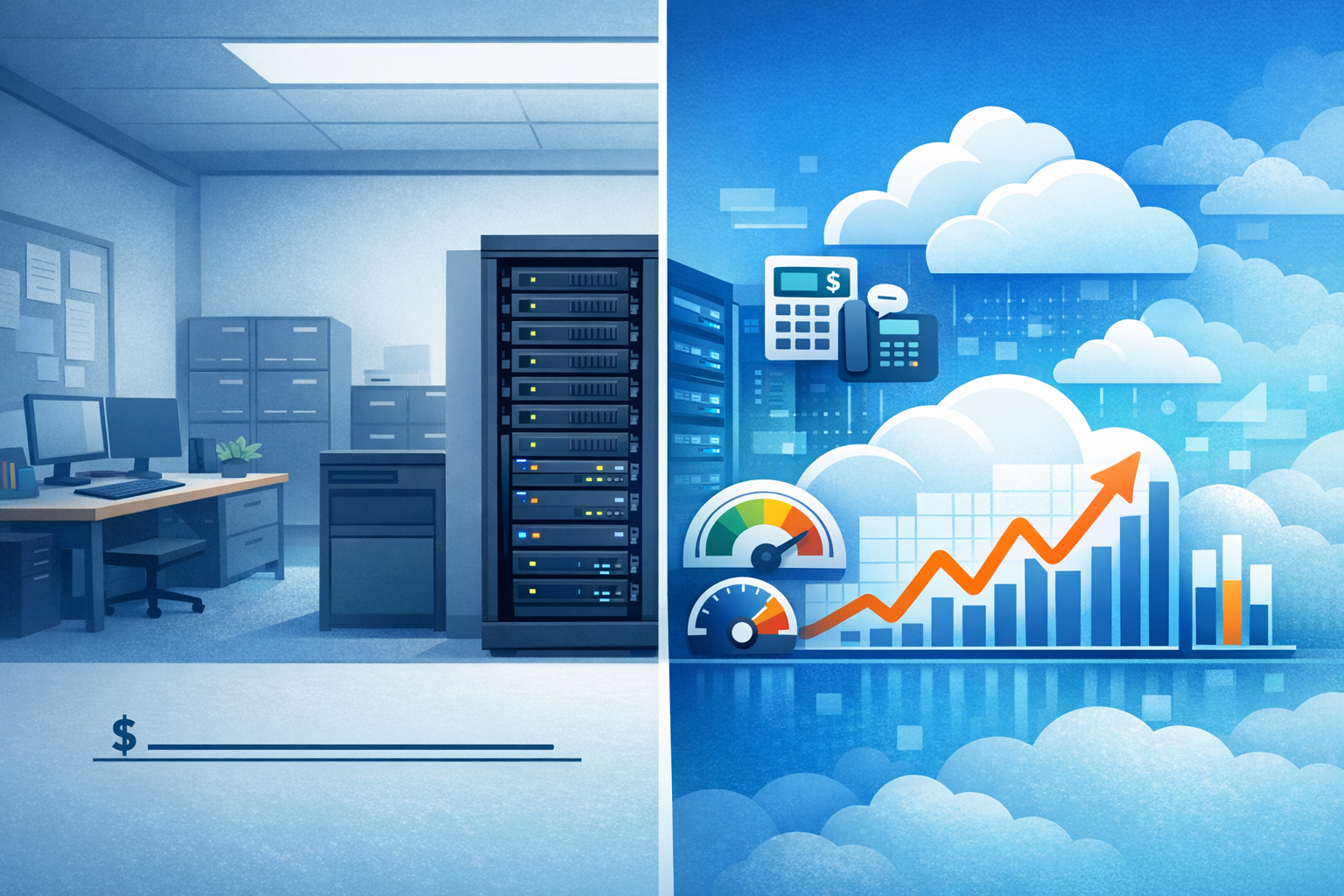
Traditional on‑premise infrastructure is boring—and boring can be a good thing. You buy a server, depreciate it over five years, and aside from maintenance and support costs, your infrastructure budget is largely predictable.
Cloud infrastructure flips that model completely. Instead of a one‑time capital expense, you’re signing up for a subscription that never ends. Servers don’t depreciate. Storage doesn’t get cheaper over time. And unless someone is actively watching usage, those monthly charges can quietly grow.
For an SMB, that matters. Cash flow is real, and infrastructure doesn’t care if revenue has a slow quarter.
A Realistic Dollar Example (Always‑On Workloads)
Let’s say you move a basic, always‑on workload for about 25 users to the cloud:
• Virtual servers, storage, backups, and networking: roughly $1,200–$1,800 per month
• Annual cost: $14,000–$21,000
• Five‑year cost: $70,000–$105,000
Now compare that to a typical on‑prem refresh:
• Server hardware, storage, and licensing: $18,000–$25,000 upfront
• Support, power, and backups: $6,000–$8,000 per year
• Five‑year total: roughly $45,000–$65,000
For workloads that run 24/7 and don’t really change, on‑prem often becomes cheaper after the first year or two. Cloud isn’t wrong—it’s just priced differently.
Where Hosted SaaS Actually Does Make Sense (QuickBooks & Phone Systems)
This is where the cloud conversation often gets mixed up. Not all “cloud” is infrastructure. In many cases, what business owners really benefit from is hosted SaaS, not self‑managed servers in a data center.
A good example most owners understand is accounting software.
With on‑premise QuickBooks, you typically need:
• A server to host the company file
• Backup software and off‑site replication
• VPN or remote access for outside users
• Ongoing maintenance and patching
That works—but it ties the application directly to infrastructure you own and manage.
With QuickBooks Online (QBO), you’re not paying for servers at all. You’re paying for a fully hosted application:
• Fixed per‑company or per‑user monthly pricing
• No servers to maintain or replace
• Access from anywhere
• Backups, updates, and redundancy handled by the vendor
The key difference is predictability. QBO’s monthly fee doesn’t change based on storage growth, CPU usage, or how long the system runs.
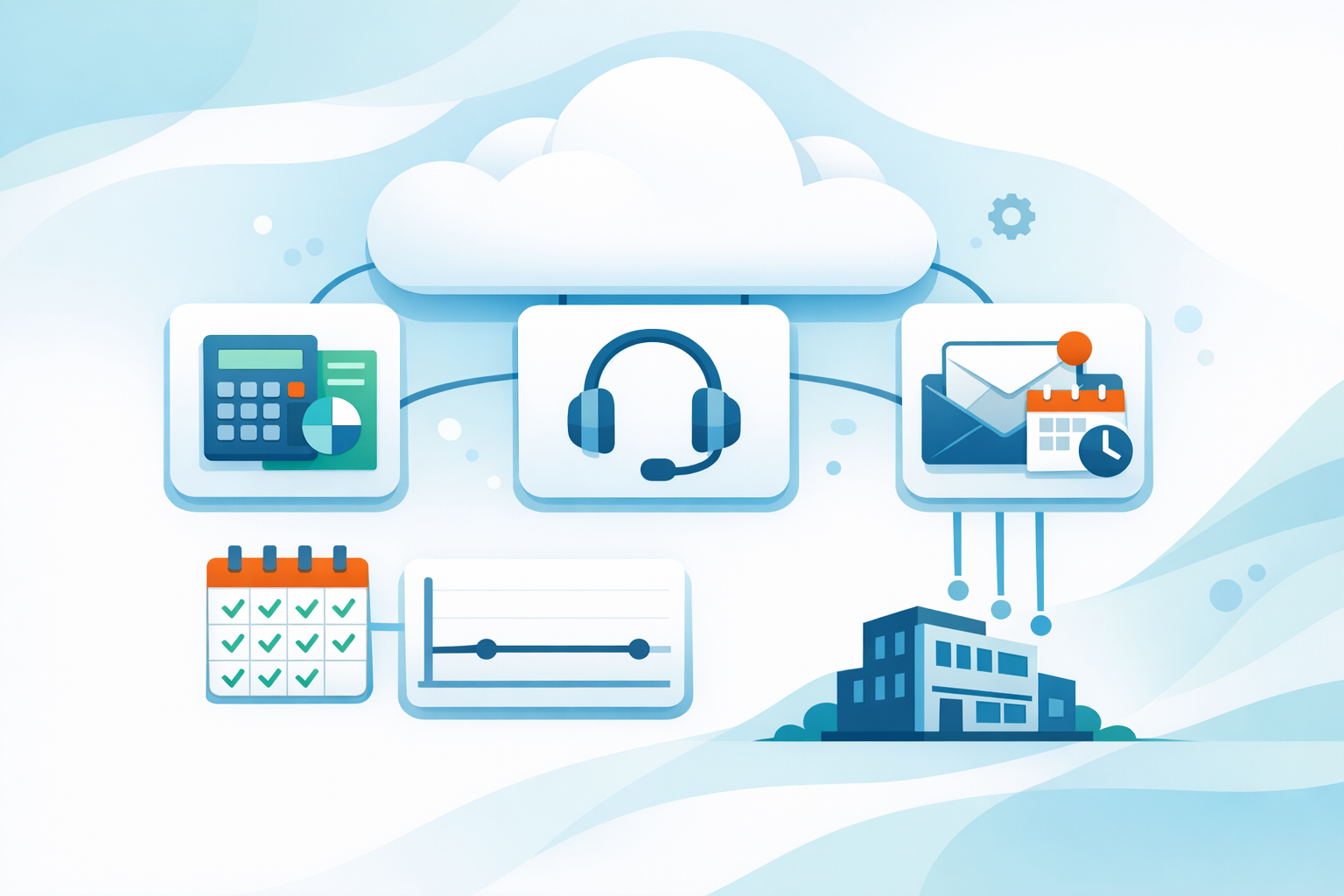
Now let’s look at business phone systems, because this is another place SaaS really shines.
With a traditional on‑prem phone system, businesses often deal with:
• Phone servers or PBX hardware
• PRI or SIP circuits
• Licensing, firmware updates, and replacements
• Limited flexibility when adding or removing users
Even when the system is stable, expansion or remote work usually means new hardware and new costs.
With a hosted VoIP provider, the model is completely different:
• Flat per‑user monthly pricing
• No phone servers or PBX hardware on‑site
• Easy adds and removals as staff changes
• Built‑in redundancy, voicemail, call routing, and remote work support
Just like QBO, hosted VoIP works well for SMBs because the cost is known upfront. You’re buying a service, not managing infrastructure. The bill grows only when the business grows.
This is cloud done right for most small businesses—it removes infrastructure variability and replaces it with something you can actually budget for.
The Question SMBs Should Ask (But Rarely Do)
Instead of asking “Is the cloud cheaper?” a better question is:
Can my business comfortably absorb a variable infrastructure bill if revenue stays flat for six to twelve months?
If that answer makes you uncomfortable, jumping fully into the cloud may introduce more risk than flexibility.
Yes, You Can Move to the Cloud Slowly (and Safely)
The good news: moving to the cloud does not have to be all‑or‑nothing.
Here’s a smarter, more gradual approach I often recommend:
1. Start with SaaS, not servers
Email, accounting, phone systems, backup, and security tools give you predictable per‑user pricing without infrastructure surprises.
2. Move non‑critical or seasonal workloads first
Cloud is perfect for systems that don’t run full‑time or spike occasionally.
3. Use the cloud for disaster recovery
Keep production systems on‑prem but replicate to the cloud. You pay mostly for storage and only scale compute during an actual emergency.
4. Put guardrails on cost early
Budgets, alerts, and automatic shutdowns should exist before you move core systems—not after the first surprise invoice.
5. Keep boring workloads boring
File servers, line‑of‑business apps, and identity systems that run constantly often make more financial sense staying on‑prem or in a private cloud.
So… Should an SMB Move to the Cloud?
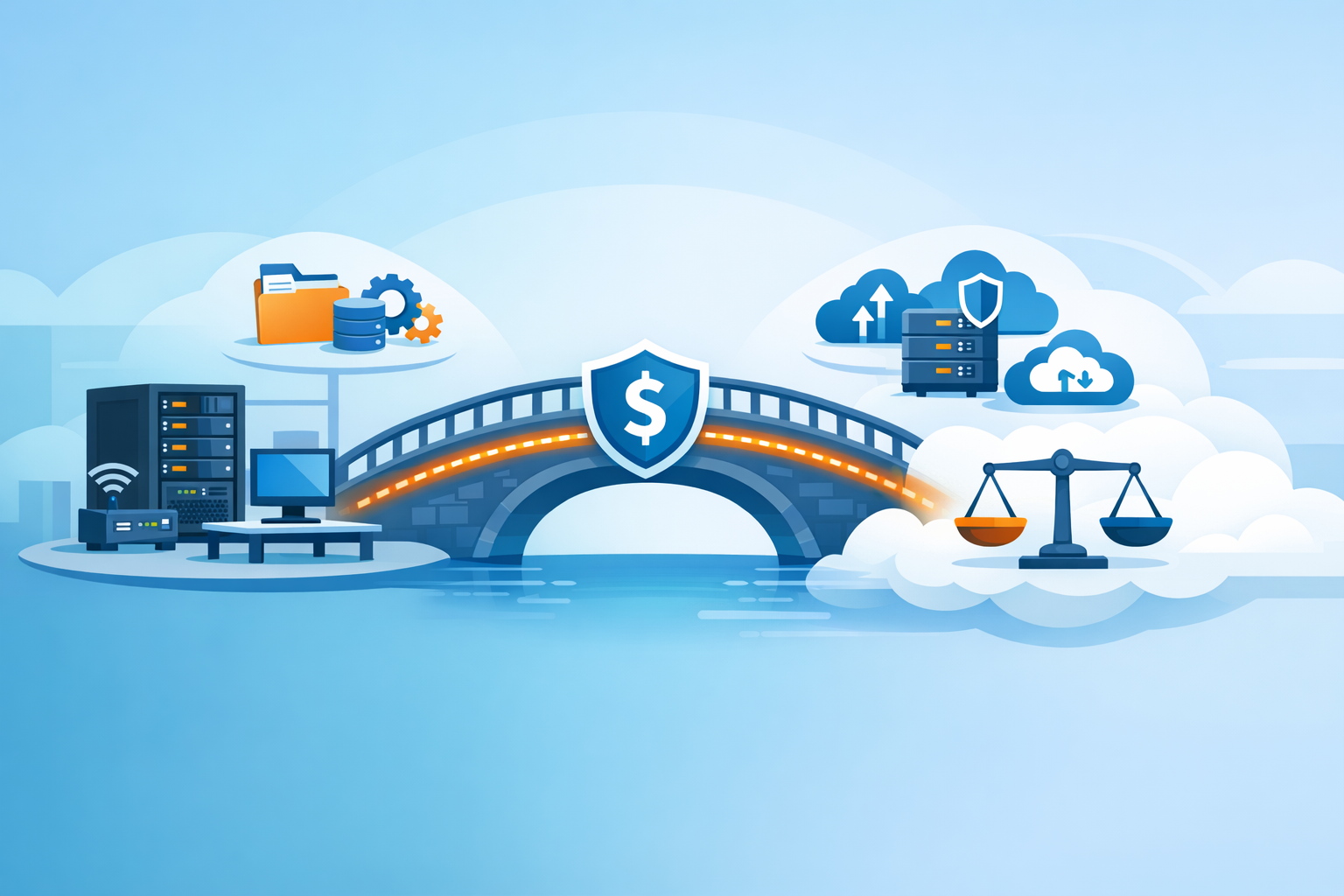
Often, the right answer isn’t cloud or on‑prem. It’s hybrid—and for most SMBs, hybrid simply means keeping the always‑on, predictable stuff stable while using cloud services where they actually reduce friction.
Here are a few real‑world hybrid setups that work well for small businesses:
· SaaS for the tools everyone touches daily: Microsoft 365, email, hosted VoIP, and apps like QuickBooks Online—predictable per‑user pricing and no servers to babysit.
· On‑prem (or private cloud) for the boring 24/7 workloads: file storage, identity/AD, and line‑of‑business apps that don’t benefit from “scaling,” but do benefit from stable costs.
· Cloud for disaster recovery and business continuity: replicate servers to the cloud so you mostly pay for storage, and only pay for compute when you actually need to fail over.
· Cloud for seasonal or project workloads: short‑term reporting, a temporary app server, or a one‑off migration—spin it up, use it, shut it down.
· Clear cost guardrails from day one: budgets, alerts, and automatic shutdown rules so the bill doesn’t grow quietly in the background.
The goal isn’t to “avoid the cloud.” The goal is to use it intentionally—so you get the flexibility benefits without signing up for a bill that only makes sense when everything goes perfectly.