
The Wi‑Fi Myth Holding Omaha Businesses Back
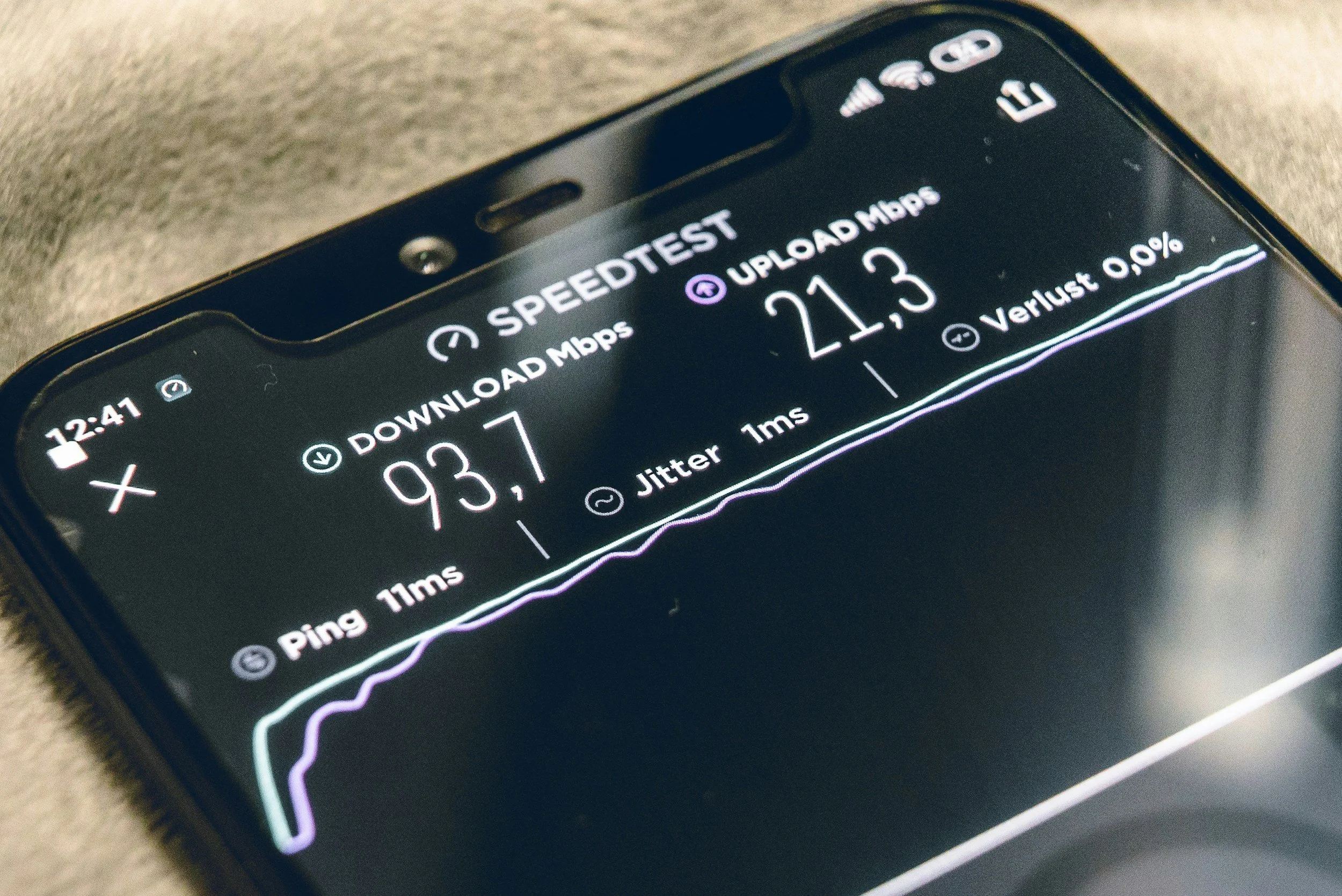
Walk into almost any small or midsized business in Omaha and you’ll hear the same thing:
“"We upgraded our Wi‑Fi, but it doesn’t feel any faster."”
This usually leads to frustration, finger-pointing at the internet provider, or another round of access point upgrades. But in most cases, the problem isn’t the wireless network at all.
It’s the wired infrastructure behind it.
As Wi‑Fi standards like Wi‑Fi 6, 6E, and now Wi‑Fi 7 promise multi‑gigabit speeds and better performance, many businesses assume faster wireless automatically means faster networks. Unfortunately, that assumption has become one of the most expensive myths in modern IT.

Myth #1: New Wi‑Fi Standards Automatically Mean Faster Networks
Wi‑Fi marketing focuses heavily on headline speeds—sometimes advertising numbers as high as 9 Gbps or more. What’s rarely mentioned is that these speeds assume the access point is connected to equally fast wired infrastructure.
In reality, most Omaha businesses still rely on 1 Gbps Ethernet connections to access points, legacy switches with no multi‑gig ports, and cabling that was installed years ago and never tested or certified.
A Wi‑Fi 6 or Wi‑Fi 7 access point connected to a 1 Gbps switch port is like a Ferrari stuck in first gear. No matter how advanced the wireless technology is, the performance is limited by what it connects to.
The Real Problem: Wireless Has Outpaced the Wire
For years, wired networks were faster than wireless. That is no longer the case. Modern access points are designed to serve dozens of devices at the same time, handle video conferencing, cloud applications, and voice traffic, and reduce latency—not just increase raw speed.
Those benefits disappear when access points are bottlenecked by legacy switches, limited uplink speeds, or insufficient PoE capacity. Wireless is no longer the weakest link—the wire is.
Myth #2: ‘We’ll Never Use That Much Bandwidth
The problem isn’t a single device consuming massive bandwidth. It’s density. Today’s networks support laptops, phones, tablets, guest devices, security systems, and IoT devices—all competing for the same uplink.
Wi‑Fi 6 and 7 are built to handle many devices simultaneously. Without 2.5 or 5 Gb switching, all of that traffic is forced through a narrow pipe, creating congestion even when internet speeds appear adequate.
How This Impacts Your Industry
Clinical Healthcare (Chiropractic, Physical Therapy, Dental): Digital imaging, cloud-based EHR systems, patient portals, and VoIP phones demand reliable, low‑latency connectivity. When wired infrastructure lags behind, it shows up as slow chart loading, delayed imaging access, and dropped calls.
Financial Services (Accounting, Bookkeeping, Tax Firms): During peak seasons, firms experience heavy file transfers, secure VPN usage, and constant video meetings. A bottlenecked switch may go unnoticed most of the year, then suddenly become a major productivity issue when deadlines matter most.
Private Education and Training Centers: High device density, streaming content, screen casting, and online testing put significant strain on internal networks. Often, the internet connection gets blamed when the real limitation is inside the building.
Myth #3: Upgrading Switches and Cabling Is Overkill
In reality, wired infrastructure is a long‑term investment. Quality cabling and multi‑gig switches are designed to last five to ten years and support multiple generations of wireless technology.
Modern switches provide 2.5 and 5 Gb access point uplinks, higher PoE budgets, and the headroom needed for growth. Skipping this step often means paying twice—once for the wireless upgrade and again to fix the infrastructure later.
The Takeaway for Omaha Businesses
Wi‑Fi 6 and Wi‑Fi 7 don’t eliminate the need for wired infrastructure. They depend on it.
Before upgrading—or if your new Wi‑Fi doesn’t feel faster—ask these questions:
• Are your access points connected at more than 1 Gbps?
• Do your switches support multi‑gig Ethernet?
• Is your cabling tested and documented?
• Do you have sufficient PoE capacity for modern devices?
If the answer to any of these is no, your wireless network is being held back by infrastructure designed for a different era.
Is Your Wi‑Fi Being Held Back by Your Network?
Most Omaha businesses don’t realize their new Wi‑Fi is bottlenecked by outdated switches and cabling.
Before you invest in more access points, get clarity.
We’ll review your wireless design, switching capacity, and cabling to identify exactly where performance is being limited—and what actually needs to be upgraded (and what doesn’t).
✅ High intent
✅ Education-first
✅ Positions you as the internal IT team, not a salesperson